How to open local installed gems
#ruby #rails #open #installed #gems
This is a summary of the following Twitter thread and I also added some of my ideas:
I believe gem open to be one of the least utilized commands to run by RoR developers. No need to browse the source code online.
You can load it up in your favorite editor like so.
— Robby Russell (@robbyrussell)
4:45 PM • Sep 28, 2022
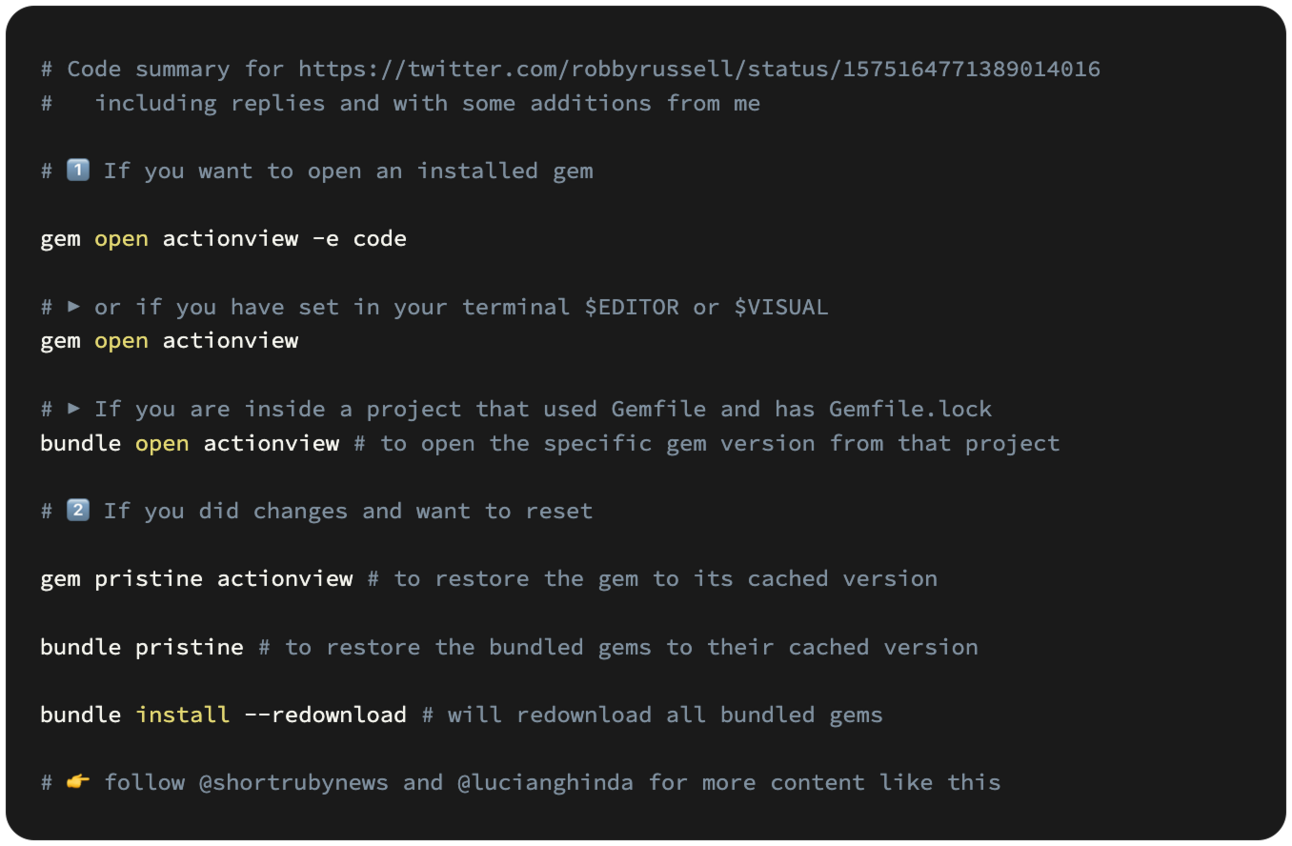
Here is the text if you want to copy and paste it:
# 1️⃣ If you want to open an installed gem
gem open actionview -e code
# ▶️ or if you have set in your terminal $EDITOR or $VISUAL gem open actionview
# ▶️ If you are inside a project that used Gemfile and has Gemfile.lock
bundle open actionview
# 2️⃣ If you did changes and want to restore gem to its cached version
gem pristine actionview
bundle pristine
bundle install --redownload # will redownload all bundled gems